
Start with a scan
Use a manufacturer barcode, a photo, or a few words. Check the match, then explore comparable listings.
Thrift store scanner app for checking secondhand items as you shop. Scan a barcode or photo and compare current and sold eBay listings with Sell Thru.
Start with 10 free scans
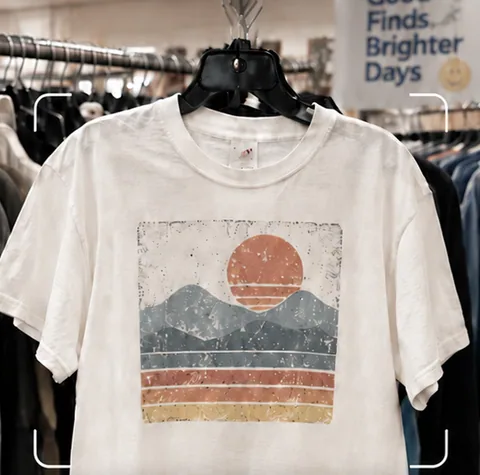
Use a manufacturer barcode, a photo, or a few words. Check the match, then explore comparable listings.
Compare asking prices with displayed sold prices. Check condition, shipping, and the original listing for context.
Save the Find and its research so you can pick up where you left off. Prepare a listing draft when you’re ready.
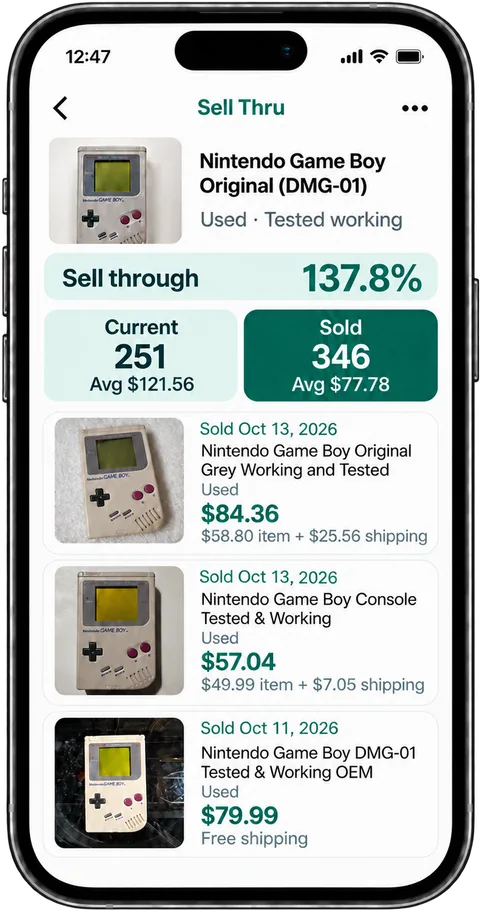
A high asking price does not show what an item sold for. Compare Sold listings for the same model, size and condition, and check shipping. Look for missing parts or damage on the item in front of you before deciding whether to buy.
Point at a barcode, use a photo, or enter an item name.
Switch between Current and Sold and narrow the results with filters.
Keep a photo and the research together for later.
Use the manufacturer's barcode when available. A store's own price sticker may not identify the product. If there is no readable product barcode, take a photo or search by brand and model instead.
Yes. Take a photo or choose one from your gallery. Sell Thru suggests search words and opens results automatically; correct the match if needed. You can also search by name.
Use Sell one like this on a comparable listing to start a draft. Add your own photos and review the details before publishing through your connected eBay seller account.
Start with 10 free scans. No payment required. Subscription plans are available in the app.