How to List on eBay Canada from Your Phone
Start with your own photos, choose your saved eBay Canada policies, and review the listing before you publish.
Set up once
Connect your eBay seller account and choose Canada as the listing marketplace.
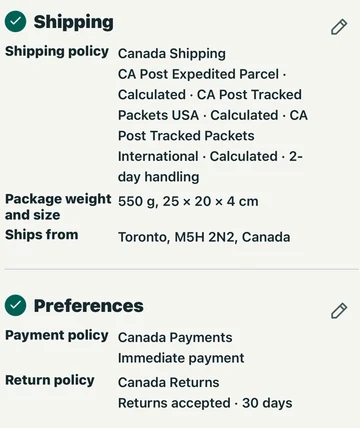
On eBay.ca, open Business Policies, opt in if prompted, and choose Create policy. Save a shipping, return and payment policy. Back in your Canadian draft, choose the shipping policy under Shipping and the return and payment policies under Preferences.
Before each listing
Start from an item you just scanned or from a saved Find.
- Add fresh item photos.
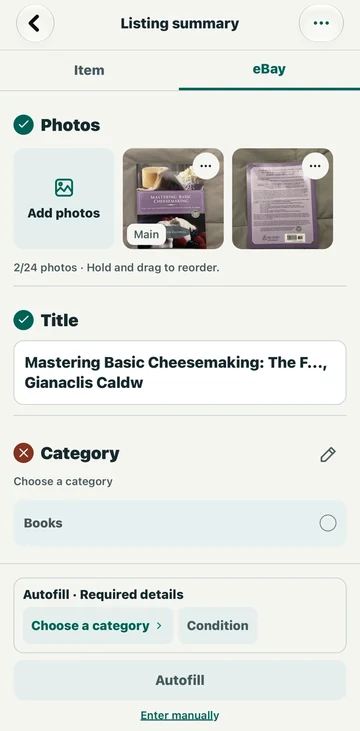
- Choose the category and condition.
- Tap Autofill or enter the details manually.
- Confirm the shipping origin, packed weight, and dimensions.
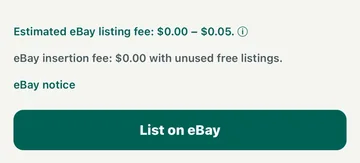
- Review the details and estimated fees.
Check shipping and fees
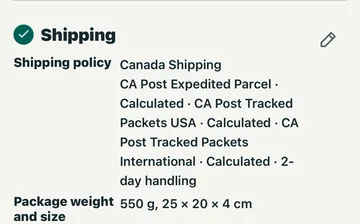
Check where the item ships from. For calculated shipping, enter the packed weight and dimensions. Tap Review to check the details and fees, then tap List on eBay when you're ready.